Video Phone vs Basic IP Phone: Which Is Right in 2026?
Should your office buy a smart video phone or stick with a basic IP phone? The question comes up in nearly every phone upgrade, and the honest answer is that it depends on who sits at the desk. This comparison explains where video earns its price, where a simple handset is the smarter buy, and how to mix both without confusing your team. By the end you will have a clear rule for each seat in your business.
What Separates a Video Phone From a Basic IP Phone?
Both types register to a SIP server and place calls over your network. The difference is in the hardware and the software on top. A basic IP phone is a voice-first device: handset, speaker, a few keys and a small display. A smart video phone adds a large touchscreen, a camera, an Android-style app environment and often Wi-Fi and Bluetooth.
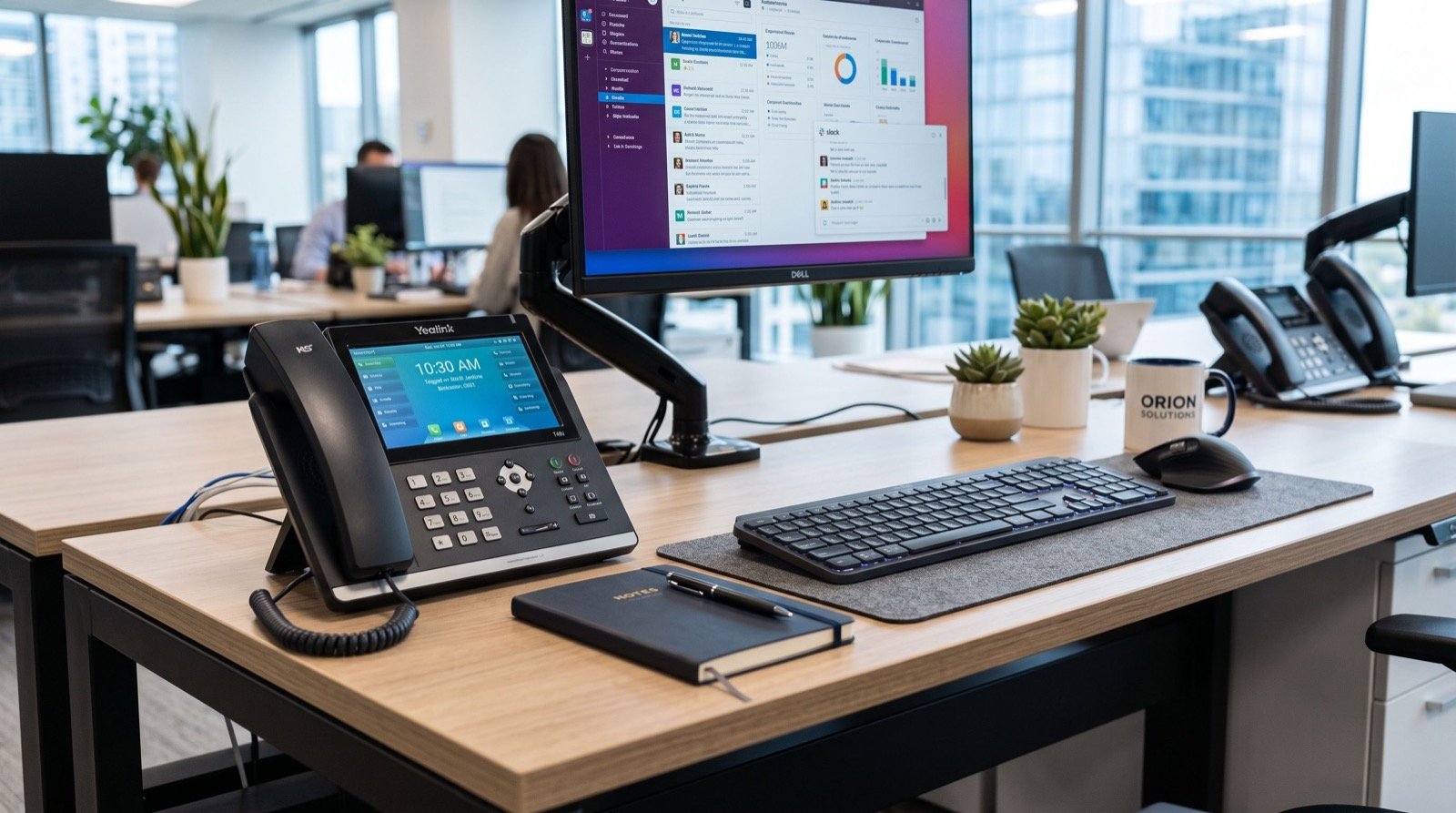
The Fanvil V50P Basic Level IP Phone represents the first group. It handles HD voice, PoE and standard provisioning without extras. The Fanvil V67 Flagship Smart Video Phone represents the second, bringing a touchscreen and video calling to the desk for people who truly use them.
Features at a glance
| Capability | Basic IP phone | Smart video phone |
|---|---|---|
| Voice quality | HD voice | HD voice |
| Video calling | No | Yes, with built-in camera |
| Screen | Small, button-driven | Large touchscreen |
| Wireless options | Usually none | Wi-Fi and Bluetooth |
| Learning curve | Minutes | A short orientation |
| Cost per seat | Low | Considerably higher |
| Best for | Most staff, shared areas | Executives, remote-facing teams |
When Does a Basic IP Phone Make More Sense?
For the majority of desks, voice is all that is needed. Warehouse staff, accounts clerks, front-line support and meeting-room phones rarely benefit from a camera. They benefit from a handset that works every time, takes minutes to learn and costs little to replace.
- Budget control. Buying forty basic phones instead of forty video units frees up serious money for headsets, switches or a UPS.
- Simplicity. Fewer menus mean fewer support tickets.
- Durability in shared spaces. A phone that may be bumped, dropped or used by many people is best kept simple.
- Lower power draw. Basic models fit comfortably within PoE budgets.
Where a Smart Video Phone Earns Its Price
Video becomes valuable when the desk is a communication hub. Think of a managing director who meets overseas partners daily, a sales lead who runs demos, or a clinic that holds consultations with remote specialists. In these cases the camera and large screen replace a separate laptop session and keep conversations on a dedicated, always-ready device.
Practical advantages
- One-touch video calls without launching a computer application.
- A touchscreen contact list and call history that is faster to browse.
- Bluetooth pairing for wireless headsets, freeing the user to move around.
- App support for tasks such as visitor intercom or door-station views, depending on the model.
Bandwidth and Network Impact of Video
Video is the part people forget to plan for. A voice call uses roughly 100 kbps, while a standard-definition video call can use well over 1 Mbps in each direction, and HD video more. If ten executives are on video simultaneously, that is a measurable load on a small office connection.
The International Telecommunication Union publishes recommendations on voice and video quality that explain why latency, jitter and packet loss matter more than raw speed. In practice, that means you should enable QoS, keep video phones on a voice-and-video VLAN and test with a few real calls before rolling out widely.
A Mixed Deployment Plan That Works
You do not have to choose one type for the whole company. Most well-run offices use a tiered approach, and it is easy to set up.
- Count your video users. Ask who actually conducts video calls weekly, not who might like to.
- Assign video phones to those seats only. Usually that is under ten percent of staff.
- Use basic phones everywhere else. Standardise on one model to simplify spares.
- Provision everything from one template. Both types can pull configuration from the same server.
- Review after 90 days. Move a video phone to a different desk if it is sitting unused.
An original tip: before purchasing video units, run a two-week trial in which the intended users make their normal video calls on a laptop and log how many occur and how long they last. If the log shows only two or three short calls a week, a basic phone plus the existing laptop is the better choice.
Installation and Support Considerations
Whichever way you go, installation quality shapes the outcome. Poor cabling, an overloaded switch or a missing voice VLAN will make any phone sound bad. Businesses that are relocating or expanding often lean on reputable service experts to handle the physical side of a move, and the same logic applies to voice: let people who have done it before handle cabling, labelling and testing.
Ask any supplier about warranty length, local spares and firmware update policy. A phone that receives regular security updates is safer on your network than a cheaper model that is never patched.
Frequently Asked Questions
Is a video phone better than a basic IP phone?
Not automatically. A video phone is better for people who make frequent video calls and want a touchscreen. For ordinary voice work, a basic IP phone is simpler, cheaper and just as clear.
Do video phones need more bandwidth?
Yes. Video can use ten times the bandwidth of a voice call or more. Check your internet uplink and enable QoS so video does not crowd out voice traffic for other users.
Can basic and video phones work on the same PBX?
Yes. Both use standard SIP, so they can register to the same server and share extensions, voicemail and call-routing rules. Mixed deployments are common and practical.
How long do IP desk phones usually last?
With normal office use, five to eight years is common. Firmware support, not hardware failure, is often what ends their useful life, so confirm update policies when you buy.
The Bottom Line
The smart video phone is a specialist tool and the basic IP phone is the everyday standard. Give video to the few who use it, give simple handsets to everyone else and plan the network for both. That approach controls cost, reduces support effort and keeps your 2026 phone system easy to live with. Start with a short trial and let real usage decide.